Diagram templates
Start from a built-in drawDB database template or save, reuse, fork, and delete custom templates stored in your browser.
Templates provide reusable starting points for database diagrams. drawDB includes six built-in examples that you can fork and explore.
Create a custom template
- Build or open the diagram you want to reuse.
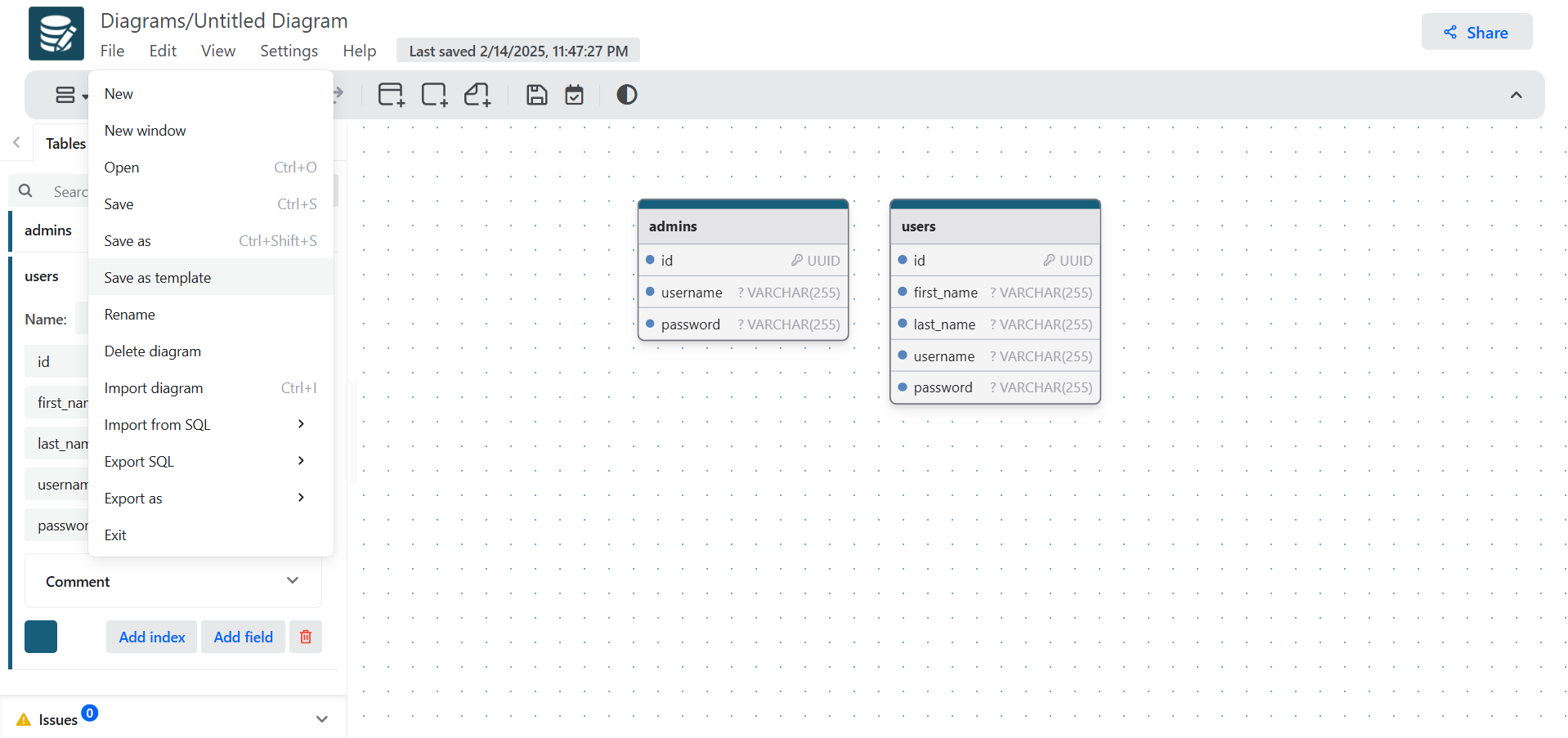
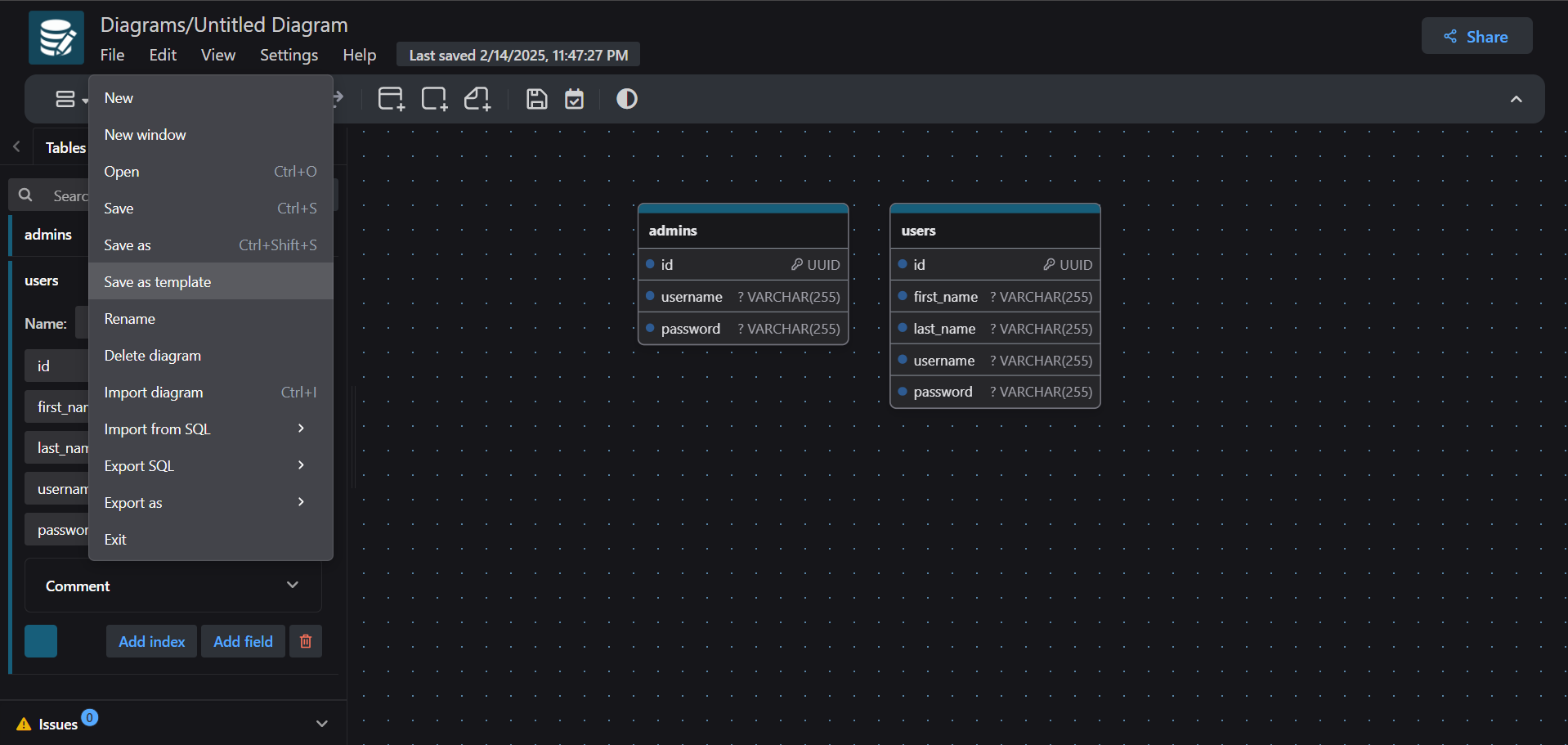
- Choose
File → Save as template. - Give the template a useful name and description.
The template will appear when you create a new diagram and on the Templates page.
Use and manage templates
- Select a template in the New Diagram dialog to create a separate diagram from it.
- Open the Templates page to browse built-in and custom templates.
- Fork a template to begin editing a copy.
- Delete custom templates you no longer need.
Stored in this browser
In the open-source editor, custom templates are IndexedDB records stored on the current browser. They are not account-synced or cloud-backed.